Digital Twins for VR Training
VR Vision rebuilds your equipment, facilities and job sites as exact virtual replicas, then turns them into hands-on training that runs on standalone VR headsets. Crews learn the real layout and the real procedure before they touch live equipment.
Trusted by leaders in energy, utilities and manufacturing







What Is a Digital Twin?
A digital twin is an accurate virtual replica of a real object, system or place, built to match its real-world counterpart in scale, layout and behavior. In VR training, a digital twin lets workers operate the exact equipment and walk the exact site they will work on, with no downtime, no hazard and no cost for a mistake.
How a training twin differs from standard 3D art
- Accuracy over imaginationBuilt from your CAD files, scans and site photos, not concept art.
- Built to be usedThe valves, breakers, levers and tools the procedure depends on are fully interactive.
- Built for the headsetOptimized to run untethered on standalone headsets like Meta Quest 3S and PICO 4 Enterprise.
Interactive model. Drag to explore it from any angle.
Training That Transfers to the Real Job
When the virtual site matches the real one, trainees don't have to translate what they learned. They recognize it.
Practice without the risk
Trainees learn the actual layout, controls and hazards of their site before they're exposed to live equipment. Mistakes cost nothing and can be repeated until the procedure sticks.
Keep equipment in production
There's no need to take a line, truck or substation out of service to train on it. Training happens on the replica, at any site, on any schedule.
Build once, reuse across courses
Assets are modular, so a pump, panel or vehicle built for one module can be reused and extended in the next.
Avangrid technicians reached competency 65% faster than with traditional training.
Read the Avangrid case studyToyota Material Handling hosted a VR digital double of its training center for dealer technicians across 200+ dealerships in the US and Canada.
Read the Toyota case studyThree Layers of a Training-Ready Twin
Every digital twin combines a faithful environment, equipment that works, and scenarios that change. Together, they turn a 3D model into a course.
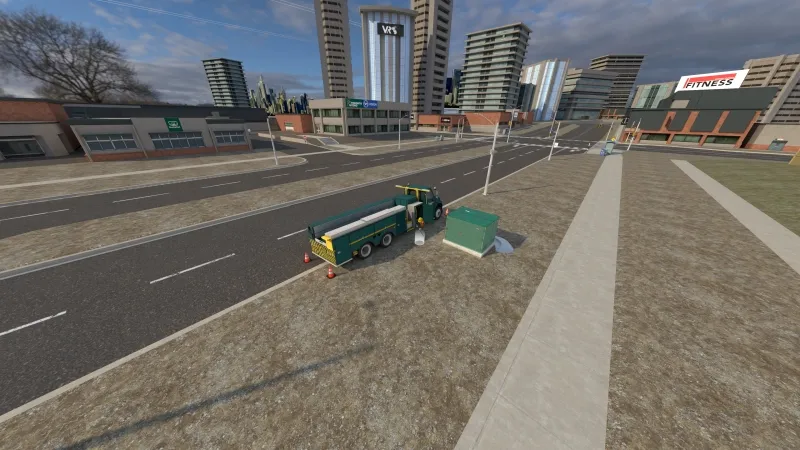
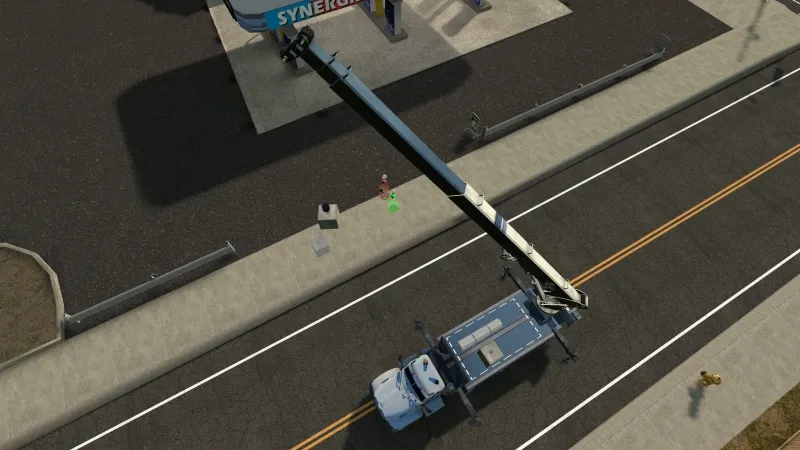
3D Environment Design
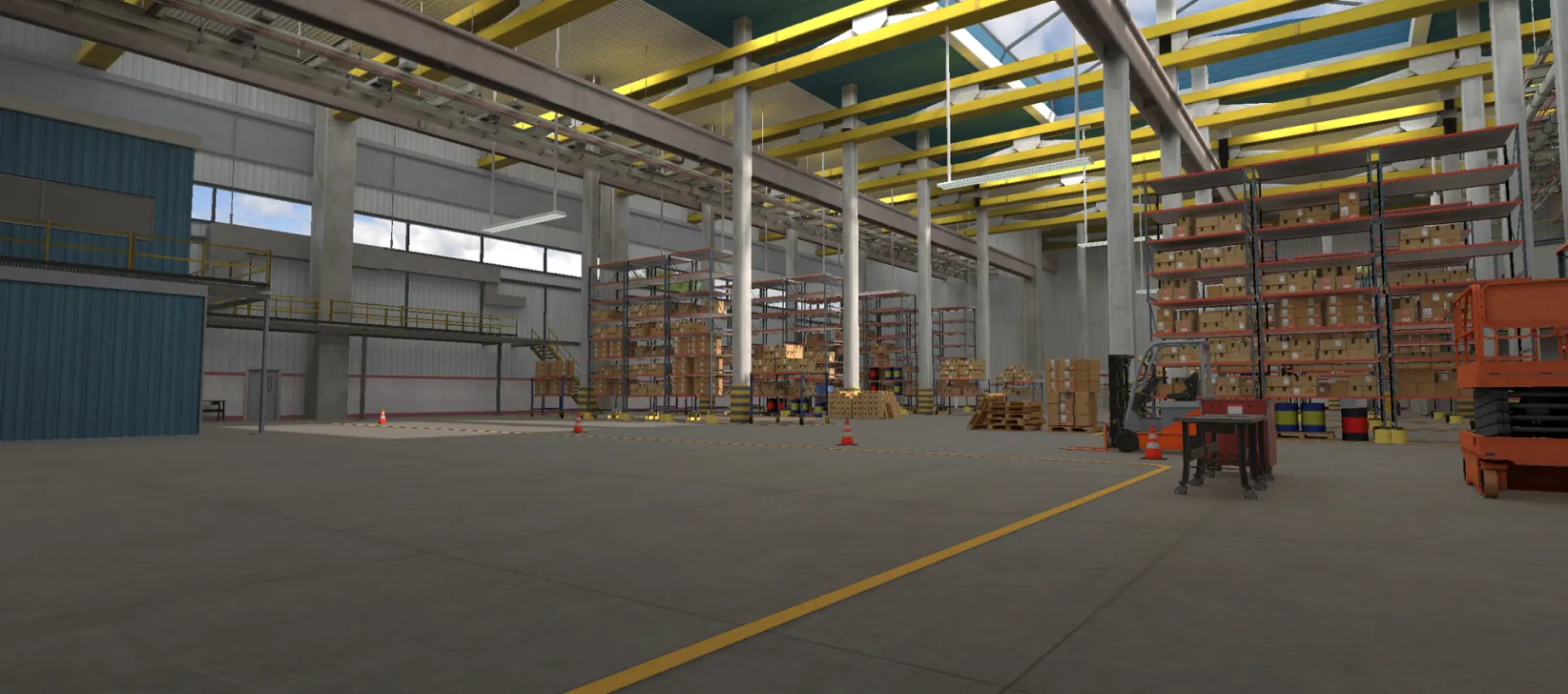
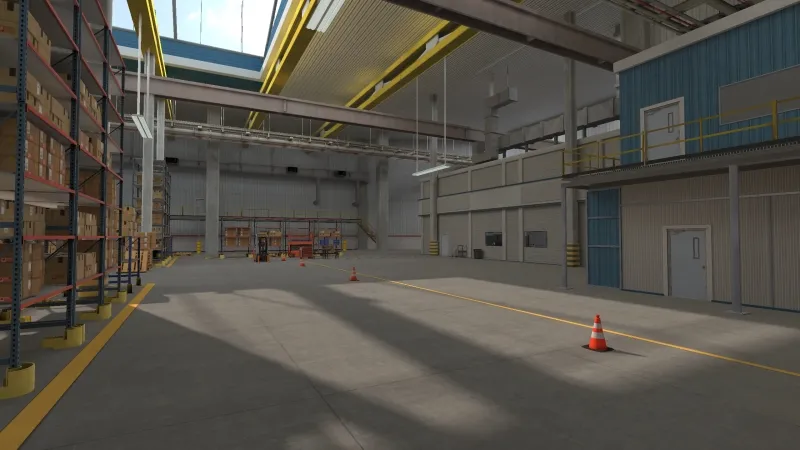
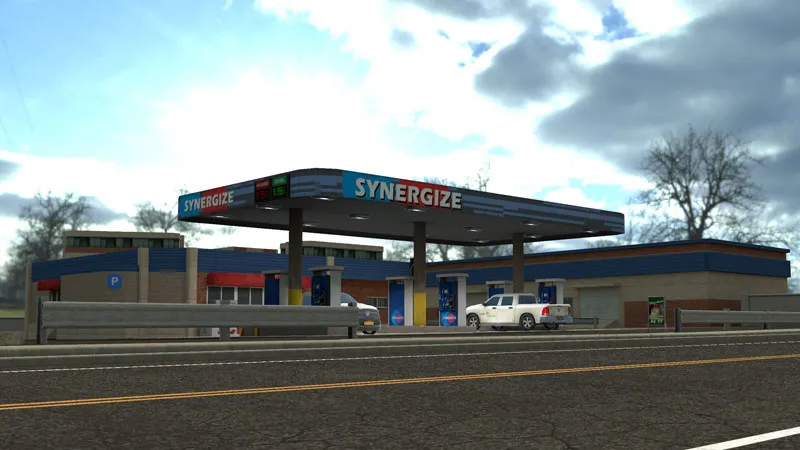
Full-scale replicas of plants, substations, warehouses, yards and job sites. Each one is modeled from real-world photos and video, so the space feels familiar the first time a trainee walks in.
- Lighting, materials and signage matched to the real site
- Hazards, markings and clearances in the right place
- Sized and optimized for standalone headsets
Equipment That Works Like the Real Thing
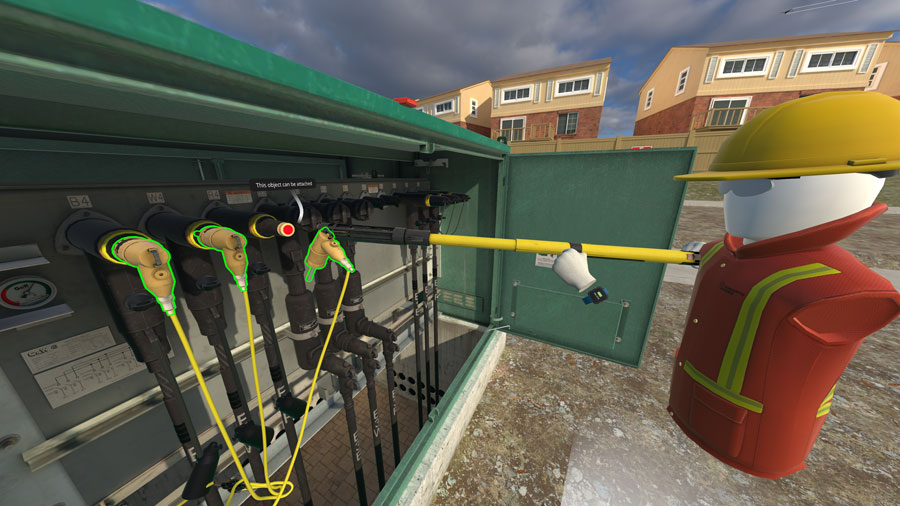
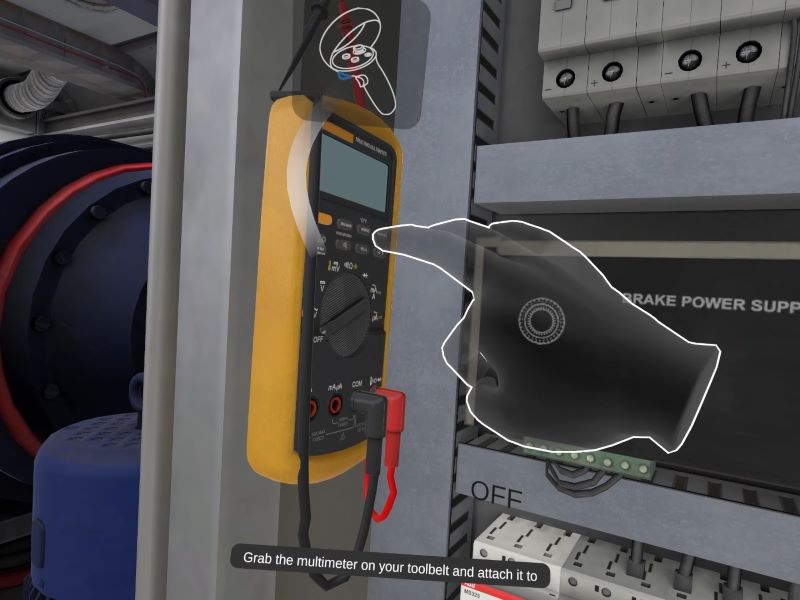
Breakers, valves, doors, levers, tools and meters that respond the way the real ones do. Trainees complete each task by operating the equipment, not by clicking through a menu.
- Grab, turn, press and connect, the way the job requires
- Programmed to respond to specific inputs and triggers
- Drives the course: tasks advance as trainees complete them
One Twin, Many Scenarios
The same digital twin, reconfigured. Add obstructions, faults or changing conditions to build difficulty levels that test judgment, not just memory.
- Progressive difficulty from a single environment
- Practice for the conditions that cause incidents
- More scenarios from the assets you already own
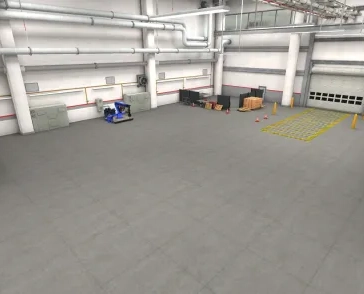
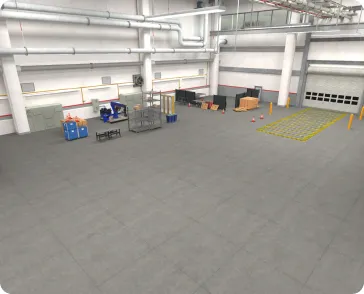
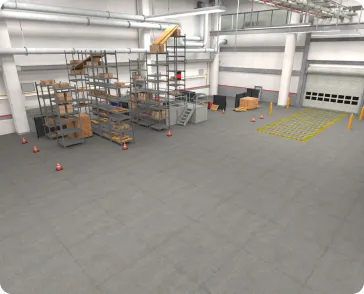
From CAD File to VR-Ready in Four Stages
Training twins put accurate replication ahead of creative interpretation. Every asset is also built to a performance budget, so it runs smoothly on standalone headsets.
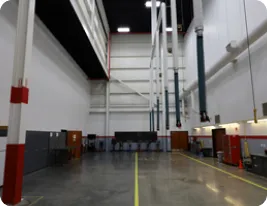
Source Data
Gather everything that defines the real thing.
- Real-world photos and video
- Existing CAD and BIM files
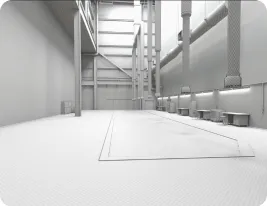
Greybox Blocking
Lock in the layout before any detail.
- Scale and geometry
- Spacing and distribution
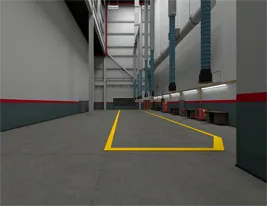
Texturing
Make every surface read like the real material.
- UV unwrapping
- Textures and decals
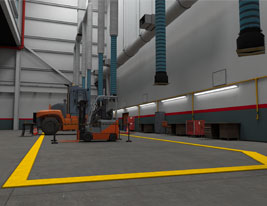
Detailing
Refine, animate and optimize.
- Refined geometry
- Animations
- Headset performance tuning
Start with what you already have
Runs on the Headsets Your Crews Use
A digital twin only helps if it runs where training happens. VR Vision builds every asset to a performance budget for all-in-one headsets, so modules run untethered, with no gaming PC, at the training center or out in the field.
VR Vision is an authorized Meta and PICO partner.
Production toolset, plus in-house tools
 Blender3D modeling
 Substance 3D PainterTexturing
 MudstackAsset repository
 UnityReal-time development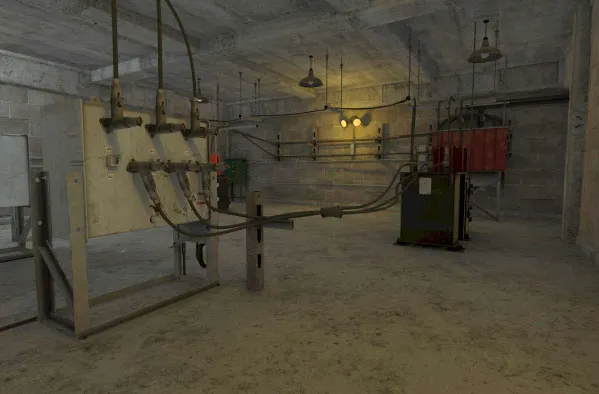
Digital Twin or 360° Video?
Both deliver immersive training. The right choice depends on how much trainees need to touch.
| Criteria | Digital twin (3D / CGI) | Interactive 360° video |
|---|---|---|
| How it's made | Modeled in 3D from CAD, scans and site photos | Filmed on location with 360° cameras, then made interactive |
| What trainees do | Pick up, operate and manipulate equipment with their hands | Look around, make decisions and respond to prompts inside real footage |
| Best for | Hands-on procedures, equipment operation, fault-finding, motor skills | Site orientation, hazard recognition, situational awareness, soft skills |
| New scenarios | Reconfigure the model to add faults, obstructions or levels | New conditions usually mean a new shoot |
| Typical cost per module | $65K–$120K | $30K–$60K |
Typical per-module ranges for custom builds. Final pricing depends on scope.
Explore 360 Video ProductionHave Equipment Your Crews Need to Master?
Book a 30-minute demo. Bring the asset or procedure you have in mind and see how a digital twin of it would work in training.
Digital Twin Questions, Answered
What is a digital twin in VR training?
A digital twin is an accurate virtual replica of real equipment, a facility or a process. In VR training, workers use the twin to practice operating the exact equipment and following the exact procedures they'll use on the job, without taking real assets out of service or being exposed to real hazards.
Can VR Vision build a digital twin from our CAD files?
Yes. Existing CAD or BIM files are the fastest starting point. VR Vision's 3D team converts and optimizes them for real-time VR. Where CAD isn't available, assets are built from photogrammetry, 3D scanning, or photos and video of the real equipment.
How much does a VR digital twin cost?
A custom 3D training module typically runs $65,000 to $120,000, depending on the size of the environment, the number of interactive objects and the complexity of the scenarios. Interactive 360° video costs about half as much, at $30,000 to $60,000 per module.
How long does it take to build a digital twin for training?
A custom build reaches a working pilot in the field in 3 to 4 months, with production release at about 5.5 months. If you need to move faster, licensed pre-built modules can reach a working pilot 1 to 2 months after contract.
Which VR headsets do the digital twins run on?
Digital twins are optimized for standalone headsets, including Meta Quest 3S and PICO 4 Enterprise, so trainees don't need a PC or cable. VR Vision is an authorized Meta and PICO partner.
How do we deploy the training and track results?
Modules can be deployed and tracked through Vision Portal, VR Vision's platform for live session monitoring, course and device management, and training analytics. Completions can also be reported to your LMS through SCORM 1.2, SCORM 2004 or xAPI as a custom integration, available on request.
Where VR Vision's digital twins are used
Digital twins power these training programs.
More of What Powers VR Vision Training
360 Video Production
Panoramic capture of your real sites, turned into interactive learning.
Learn moreInteraction Design
Natural, intuitive interactions inside every virtual environment.
Learn moreVision SDK
The in-house engine behind every VR Vision module.
Learn moreCGI Simulations
Real-world scenarios in a safe space to experiment and learn.
Learn more