Interaction Design for VR Training
Interaction design decides how trainees move, grab, operate and talk inside VR. VR Vision designs interactions that match the real task, so the motions crews practice in the headset are the ones they use on the job.
Trusted by leaders in energy, utilities and manufacturing







What Is VR Interaction Design?
VR interaction design is how trainees move, handle objects, use menus and work with others inside a virtual reality training module. Good interaction design mirrors the real task, so trainees build the same motor skills and habits they need on the job instead of learning how to operate software.
What good interaction design gets right
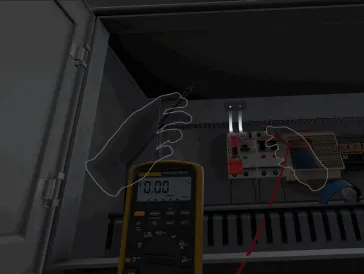
- The real motionOpening a panel, placing a meter lead or using a hot stick feels like the physical task.
- An interface that stays out of the wayMenus and prompts appear only when needed, with one consistent way to use them.
- Actions you can measureEach interaction advances a task step, so results reflect what trainees actually did.
Training Only Transfers if the Hands Learn Too
The best content fails if trainees fight the controls. Interaction design is what turns a realistic scene into a skill.
Muscle memory, not menu skills
Trainees perform the real motions on digital twins of real tools and equipment, so practice in the headset carries over to the job.
Easy for first-time users
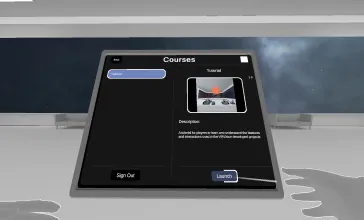
A guided intro module, one consistent laser-pointer system for menus, and a choice of controllers or hand tracking keep the learning curve short.
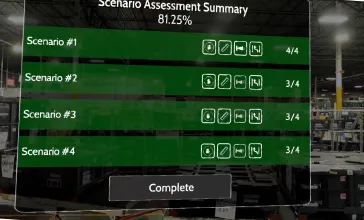
Every action is measurable
Interactions trigger task steps, and FOV activation verifies that visual inspections actually happened, so completion reflects real performance.
Avangrid technicians reached competency 65% faster than with traditional training.
Read the Avangrid case studyEnterprise VR training deployments since 2016, across energy, utilities, manufacturing and automotive.
Browse case studies12 Ways Trainees Interact in VR
Every VR Vision module is built from a proven set of interactions, chosen to match what the real task demands.
Equipment interaction
Open doors and panels, and use switches, controllers, screens and levers that work like the real ones.
Tool usage
Handle a full range of tools, from simple screwdrivers to multimeters and clamps.
Touch
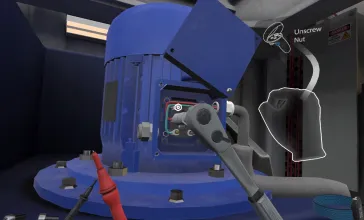
Controllers or tracked hands simulate contact with digital twins of tools, PPE and machinery.
Object to object
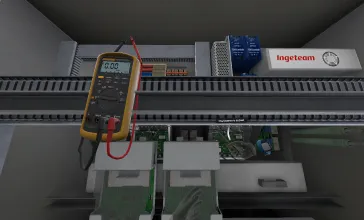
Functional objects interact with other 3D models, like a multimeter lead on a motherboard.
Complex tools
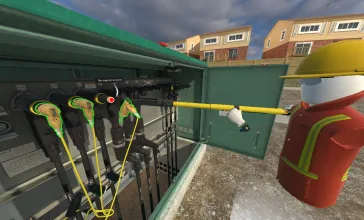
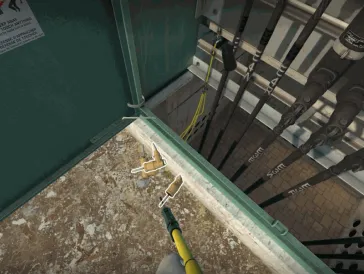
Digital tools like hot sticks interface with other 3D assets and trigger actions on them.
Laser pointer
One consistent laser pointer handles menus, keyboards and every other interface element.
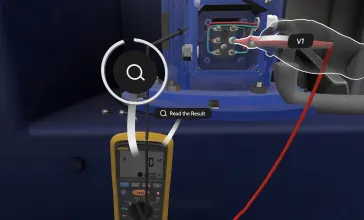
FOV activation
Tracks field of view and headset position to verify that trainees complete visual inspections.
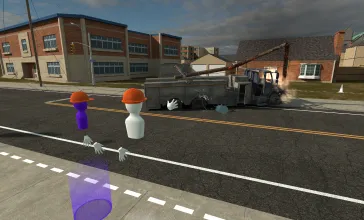
Interact with others
See and talk to teammates, trainers and observers in a shared, persistent virtual environment.
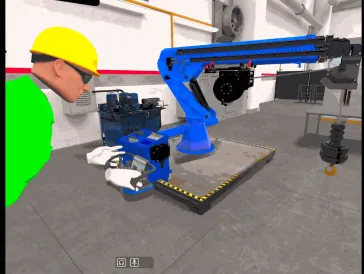
Multi-user cooperation
Trainers and trainees communicate and handle the same objects at the same time.
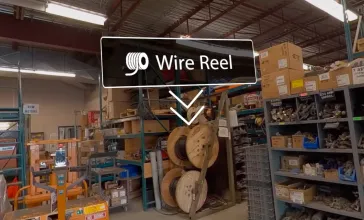
Visual callouts
Highlight what matters in the scene and show the result of each decision a trainee makes.
Interactive UI
Decision points and menus let trainees choose what to do next inside real footage.
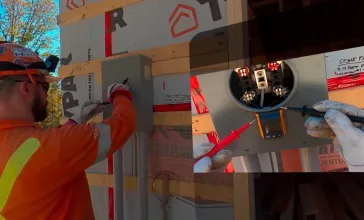
POV integration
Standard video synced to the 360° scene shows the technician's own view of close-up work.
Built for People Who've Never Worn a Headset
Most frontline crews are new to VR. Vision Intro, VR Vision's beginner's guide to virtual reality, walks first-time users through the basic interactions before training starts, so the first real module is about the job, not the controls.
- A guided intro to the basic interactions
- Controllers or hand tracking on standalone headsets
- One consistent laser-pointer system for menus and keyboards
The onboarding module first-time users see before training starts.
Train as a Crew, Not Alone
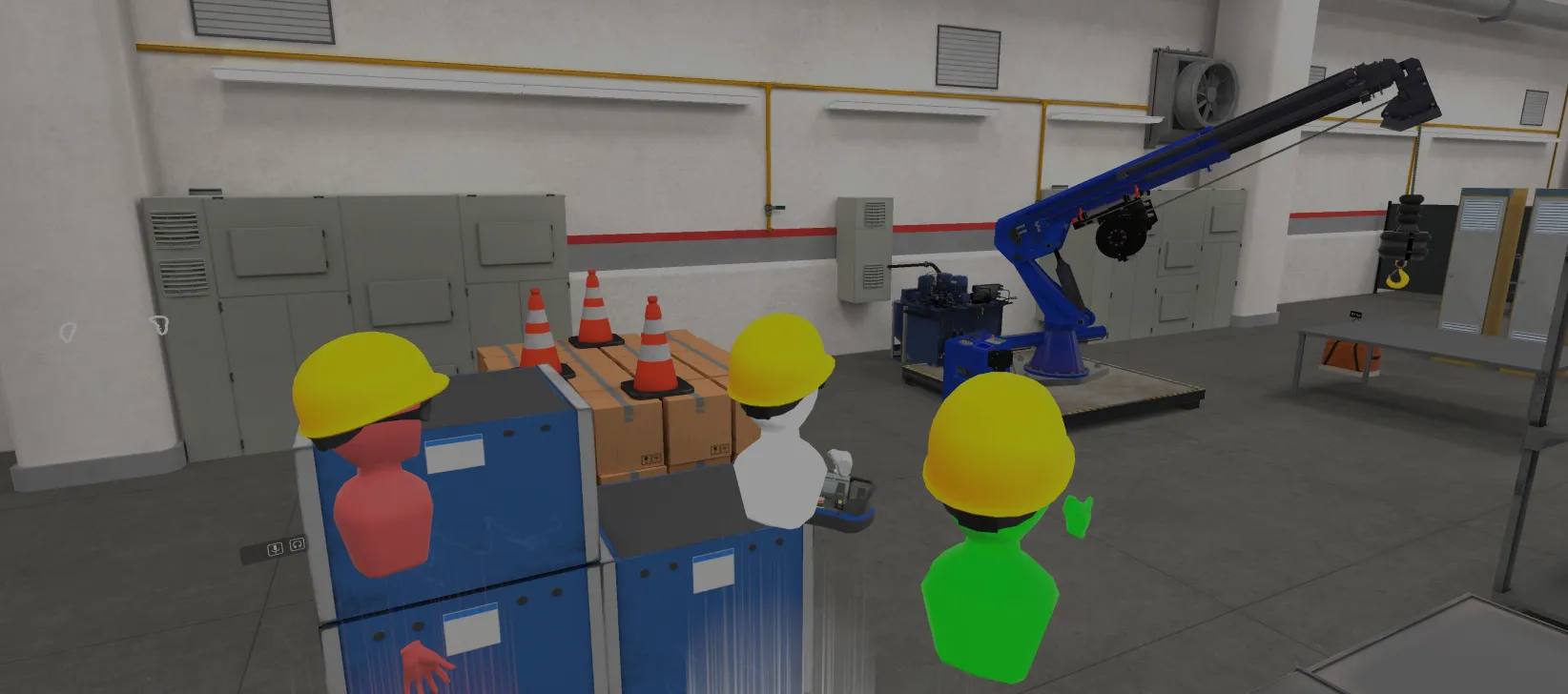
Trainers and trainees can share one persistent virtual environment. They see and talk to each other, work on the same equipment at the same time, and practice the coordination real jobs depend on.
Trainers can also watch any headset live and guide trainees in real time through Vision Portal's remote assistance.
Toyota Material Handling hosted real-time sessions in a VR digital double of its training center for dealer technicians connecting remotely from 200+ dealerships.
Read the Toyota case studyHands-On or Decision-Based?
The interaction model follows the format. Pick 3D when trainees need to touch and operate. Pick 360 video when they need to see, decide and respond.
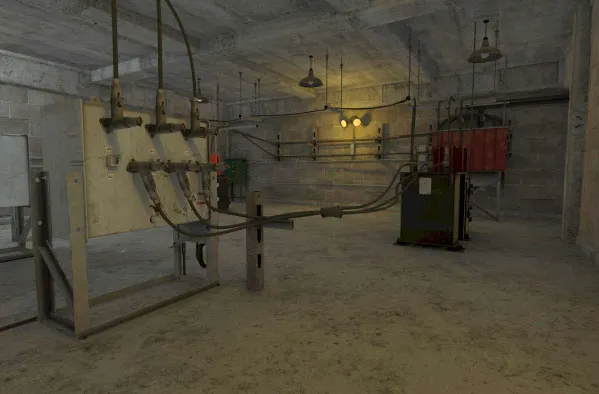
Hands-on interaction
Trainees pick up, operate and connect digital twins of real equipment.
- Procedures and equipment operation
- Fault-finding and motor skills
- Multi-user crew exercises
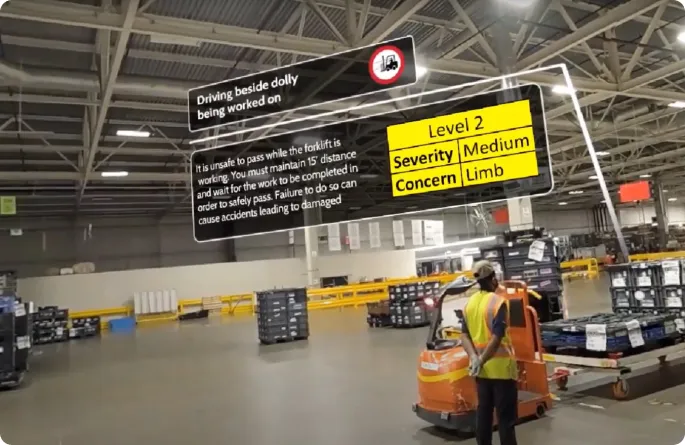
Decision-based interaction
Trainees look, choose and respond inside real footage of your site.
- Site orientation and hazard recognition
- Situational awareness
- Customer care and soft skills
Have a Task That's Hard to Teach on the Job?
Book a 30-minute demo. Bring the procedure you have in mind and see how VR Vision would design the interactions for it.
Interaction Design, Answered
What is interaction design in VR training?
Interaction design is how trainees move, handle objects, use menus and work with others inside a VR training module. Good interaction design mirrors the real task, so the motions trainees practice in the headset are the same ones they use on the job.
How do trainees interact with equipment in VR?
Trainees use controllers or hand tracking to grab, turn, press and connect digital twins of real equipment. Functional objects interact with each other, such as a multimeter lead on a motherboard, and complex tools like hot sticks can trigger actions on other assets. Menus and keyboards use one consistent laser pointer.
Does VR Vision support hand tracking?
Yes. Modules can use hand tracking or standard controllers on standalone headsets such as Meta Quest 3S and PICO 4 Enterprise.
What if our workers have never used VR before?
Vision Intro, VR Vision's beginner's guide to virtual reality, walks first-time users through the basic interactions before training starts. A single, consistent laser-pointer system for menus keeps the interface familiar from module to module.
Can VR training verify that an inspection was completed?
Yes. FOV activation tracks where the trainee is looking and the position of the headset to verify that visual inspections were actually completed, not skipped.
Can multiple trainees train together in VR?
Yes. Trainers and trainees can share one persistent virtual environment, talk to each other and handle the same objects at the same time. Trainers can also watch any headset live and guide trainees through Vision Portal's remote assistance.
See these interactions in real programs
Hands-on interaction design is at the core of these programs.
More of What Powers VR Vision Training
Digital Twins
Exact virtual replicas of your equipment and sites for hands-on practice.
Learn more360 Video Production
Stereoscopic capture of your real sites, turned into VR training.
Learn moreVision SDK
The in-house engine behind every VR Vision module.
Learn moreCGI Simulations
Real-world scenarios in a safe space to experiment and learn.
Learn more